Understanding Object-Oriented Programming in JavaScript
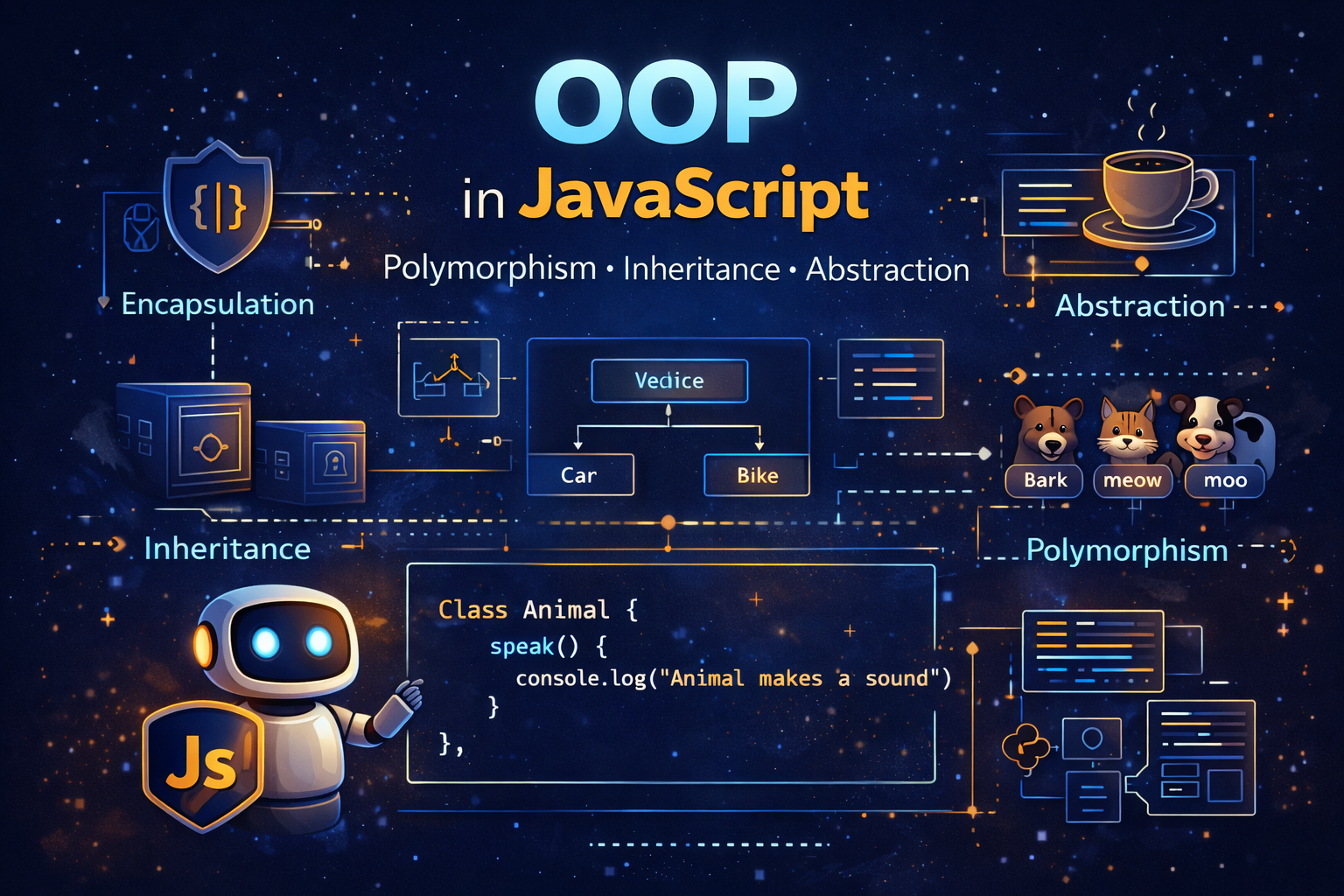
As programs grow larger, managing code becomes more difficult. Instead of writing scattered functions and variables, developers organize code into structured models. One of the most powerful programming styles used to achieve this organization is Object-Oriented Programming, commonly called OOP.
Object-Oriented Programming is a programming approach where we design programs using objects that represent real-world entities. Instead of thinking only about functions and variables, we think about things, their properties, and the actions they can perform.
For example, imagine building a program for a school system. A student has a name, age, and course. A teacher has a name, subject, and experience. Instead of storing this information in unrelated variables, OOP allows us to create structured blueprints for these entities.
JavaScript supports Object-Oriented Programming using classes and objects. Classes act like templates that describe how objects should be created. Once a class is defined, we can create many objects from it.
In this guide, we will explore what OOP means, how classes work in JavaScript, how to create objects from classes, how constructors initialize objects, and how methods work inside classes.
What Object-Oriented Programming (OOP) Means
Object-Oriented Programming is a programming style that organizes code using objects that represent real-world concepts.
Instead of writing separate functions and variables everywhere, OOP allows developers to create self-contained units called objects. These objects contain both data and behavior.
Data is stored as properties, while behavior is represented by methods (functions inside objects).
Imagine a simple example: a car.
A car has properties such as:
brand
model
speed
color
It also has behaviors such as:
start
accelerate
stop
In OOP, we represent these characteristics inside an object.
const car = {
  brand: "Toyota",
  model: "Camry",
  speed: 0,
  start() {
    console.log("Car started");
  }
};

car.start(); // Car started
In this example:
brand, model, speed are properties
start() is a method
OOP allows developers to model real-world systems inside code, which makes programs easier to understand, maintain, and expand.
Real-World Analogy: Blueprint → Objects
One of the best ways to understand OOP is through the concept of a blueprint.
Imagine a blueprint for building cars.
A blueprint describes:
what a car looks like
what parts it contains
how it behaves
However, the blueprint itself is not a car. It is simply a template used to create cars.
From one blueprint, a factory can produce thousands of cars.
In programming, the blueprint is called a class, and the cars produced from it are called objects.
Visualization:
Blueprint (Class)
      ↓
Creates
      ↓
Objects (Instances)

Car Blueprint
   ↓
Car1   Car2   Car3
Each object created from the blueprint has its own data.
Example:
Car1 → { brand: "Toyota", speed: 0 }
Car2 → { brand: "BMW", speed: 0 }
Car3 → { brand: "Tesla", speed: 0 }
Even though they were created from the same blueprint, they can hold different values.
This concept makes programs highly scalable and reusable.
What Is a Class in JavaScript
A class is a blueprint used to create objects.
In JavaScript, classes were introduced in ES6 (ECMAScript 2015) to make Object-Oriented Programming easier to write and understand.
A class defines:
the properties objects should have
the methods objects can use
Example:
class Person {

}
This is a simple class named Person. At the moment it does nothing, but it acts as a blueprint.
To create an object from a class, we use the new keyword.
Example:
const person1 = new Person();
Now person1 is an object created from the Person class.
Classes allow developers to create structured and reusable code, especially when dealing with many similar objects.
Creating Objects Using Classes
Once a class is defined, we can create objects using the new keyword.
Each object created from the class is called an instance.
Example:
class Car {

}

const car1 = new Car();
const car2 = new Car();

console.log(car1); // Car {}
console.log(car2); // Car {}
Both car1 and car2 are objects created from the same class.
However, they can later hold different values.
Think of this like manufacturing products from a factory design. The blueprint is reused to produce many items without rewriting the design each time.
Using classes improves code reusability, because instead of repeating code, we define behavior once and reuse it across many objects.
Constructor Method
The constructor is a special method inside a class. It runs automatically when a new object is created.
Its purpose is to initialize the object's properties.
Example:
class Person {

  constructor(name, age) {
    this.name = name;
    this.age = age;
  }

}

const person1 = new Person("Rahul", 22);

console.log(person1.name); // Rahul
console.log(person1.age); // 22
Explanation:
constructor()receives parametersthisrefers to the current object being createdthe constructor assigns values to the object's properties
Now if we create multiple objects:
const person2 = new Person("Aman", 19);
const person3 = new Person("Sara", 24);

console.log(person2.name); // Aman
console.log(person3.name); // Sara
Each object contains its own unique data.
Constructors make it easy to create objects with different values while using the same structure.
Methods Inside a Class
Methods are functions defined inside a class that describe what an object can do.
For example, a student might have a method that prints their details.
Example:
class Student {

  constructor(name, age) {
    this.name = name;
    this.age = age;
  }

  showDetails() {
    console.log(`Student: \({this.name}, Age: \){this.age}`);
  }

}

const student1 = new Student("Arjun", 20);

student1.showDetails();
// Student: Arjun, Age: 20
Here:
showDetails()is a methodit belongs to the
Studentclassall student objects can use it
Example with multiple objects:
const student2 = new Student("Riya", 21);
const student3 = new Student("Kabir", 19);

student2.showDetails();
// Student: Riya, Age: 21

student3.showDetails();
// Student: Kabir, Age: 19
Methods help organize behavior that belongs to objects.
Basic Idea of Encapsulation
Encapsulation is the idea of bundling data and methods together inside an object and controlling how the data is accessed.
In simple terms, it means:
keeping related data together
restricting unnecessary direct access
Example:
class BankAccount {

  constructor(owner, balance) {
    this.owner = owner;
    this.balance = balance;
  }

  deposit(amount) {
    this.balance += amount;
  }

}

const account = new BankAccount("Rahul", 1000);

account.deposit(500);

console.log(account.balance); // 1500
Here:
balancebelongs to the objectthe method
deposit()controls how the balance changes
Instead of directly modifying balance everywhere in the program, the method ensures changes happen in a controlled way.
Encapsulation helps keep programs safe, organized, and easier to maintain.
Example: Creating Multiple Student Objects
Let’s combine everything together.
class Student {

  constructor(name, age) {
    this.name = name;
    this.age = age;
  }

  printDetails() {
    console.log(`\({this.name} is \){this.age} years old`);
  }

}

const student1 = new Student("Rahul", 20);
const student2 = new Student("Meera", 22);
const student3 = new Student("Kabir", 19);

student1.printDetails(); // Rahul is 20 years old
student2.printDetails(); // Meera is 22 years old
student3.printDetails(); // Kabir is 19 years old
From a single Student class, we created multiple student objects.
Each object stores different data but shares the same structure and methods.
This demonstrates the power of OOP.
Blueprint to Object Visualization
Class (Blueprint)

Student
 ├─ name
 ├─ age
 └─ printDetails()

Objects Created

student1 → { name: "Rahul", age: 20 }
student2 → { name: "Meera", age: 22 }
student3 → { name: "Kabir", age: 19 }
One blueprint can produce unlimited objects.
Inheritance in JavaScript
Inheritance is one of the core ideas of Object-Oriented Programming. It allows one class to reuse properties and methods from another class. Instead of rewriting the same code multiple times, a new class can inherit behavior from an existing class and extend it with additional functionality.
To understand inheritance, imagine a real-world hierarchy. A Vehicle can be considered a general concept. Cars, bikes, and trucks are all types of vehicles. They share some common properties such as speed, brand, and fuel type. However, each type also has its own specific behavior.
In JavaScript, inheritance is implemented using the extends keyword. This allows a class to inherit from another class.
Example:
class Vehicle {

  constructor(brand) {
    this.brand = brand;
  }

  start() {
    console.log(`${this.brand} vehicle started`);
  }

}

class Car extends Vehicle {

}

const myCar = new Car("Toyota");

myCar.start(); // Toyota vehicle started
Output
Toyota vehicle started
Here:
Vehicleis the parent classCaris the child classCarinherits thestart()method fromVehicle
Inheritance promotes code reuse, because common functionality can be defined once in a parent class and used by many child classes.
Child classes can also add their own properties and methods.
Example:
class Car extends Vehicle {

  drive() {
    console.log("Car is driving");
  }

}

const car1 = new Car("Honda");

car1.start(); // Honda vehicle started
car1.drive(); // Car is driving
Now the Car class contains both:
inherited behavior (
start)its own behavior (
drive)
Inheritance helps build logical relationships between classes and makes programs easier to scale.
Polymorphism in JavaScript
Polymorphism is another key concept of Object-Oriented Programming. The word polymorphism means “many forms.”
In programming, polymorphism occurs when different classes implement the same method name but with different behavior.
This means a method can behave differently depending on the object that calls it.
Imagine animals making sounds. A dog barks, a cat meows, and a cow moos. The action is the same — making a sound — but each animal performs it differently.
Example:
class Animal {

  speak() {
    console.log("Animal makes a sound");
  }

}

class Dog extends Animal {

  speak() {
    console.log("Dog barks");
  }

}

class Cat extends Animal {

  speak() {
    console.log("Cat meows");
  }

}

const dog = new Dog();
const cat = new Cat();

dog.speak(); // Dog barks
cat.speak(); // Cat meows
Output
Dog barks
Cat meows
Here:
The parent class defines a general method
speak()Child classes override it with their own implementations
Even though the method name is the same, the behavior changes depending on the object. This is polymorphism.
Polymorphism allows developers to write flexible and extendable code, where new classes can implement their own version of existing behaviors.
Abstraction in JavaScript
Abstraction is the idea of hiding unnecessary details and exposing only essential functionality.
In real life, when we drive a car, we press the accelerator to make it move. We do not need to understand how the engine works internally. The complex internal mechanism is hidden from us. We only interact with a simplified interface.
Programming follows the same idea.
Abstraction allows developers to create simple interfaces while hiding the internal complexity of the system.
In JavaScript, abstraction is usually achieved by designing classes where internal implementation details are hidden behind methods.
Example:
class CoffeeMachine {

  startMachine() {
    this.#heatWater();
    console.log("Coffee is ready");
  }

  #heatWater() {
    console.log("Heating water...");
  }

}

const machine = new CoffeeMachine();

machine.startMachine();
Output
Heating water...
Coffee is ready
Here:
startMachine()is the public method#heatWater()is a private internal method
Users of the class only interact with startMachine() and do not need to know how water is heated internally.
Abstraction helps simplify complex systems and protects internal implementation details from being accessed directly.
This improves maintainability, readability, and security of code.
How These Concepts Work Together
The four main pillars of Object-Oriented Programming are:
1. Encapsulation
2. Inheritance
3. Polymorphism
4. Abstraction
Together they allow developers to build well-structured software systems.
Visualization:
OOP Principles

        OOP
       / |  \
Encapsulation
Inheritance
Polymorphism
Abstraction
Each concept contributes to writing cleaner and more reusable code.
Encapsulation protects data
Inheritance enables reuse
Polymorphism enables flexible behavior
Abstraction simplifies complex systems
Understanding these principles allows developers to design scalable applications and maintain code effectively as projects grow.
Conclusion
Object-Oriented Programming helps developers structure programs around real-world concepts. Instead of writing scattered functions and variables, OOP allows us to model systems using classes and objects. A class acts as a blueprint that defines the structure and behavior of objects, while constructors initialize data when new objects are created. Methods inside classes define the actions objects can perform.
This approach improves code organization, readability, and reusability. With OOP, developers can create scalable systems where a single class can generate many objects with different data but shared functionality. Learning OOP is therefore an essential step in mastering JavaScript and building complex applications.