Understanding JavaScript Objects
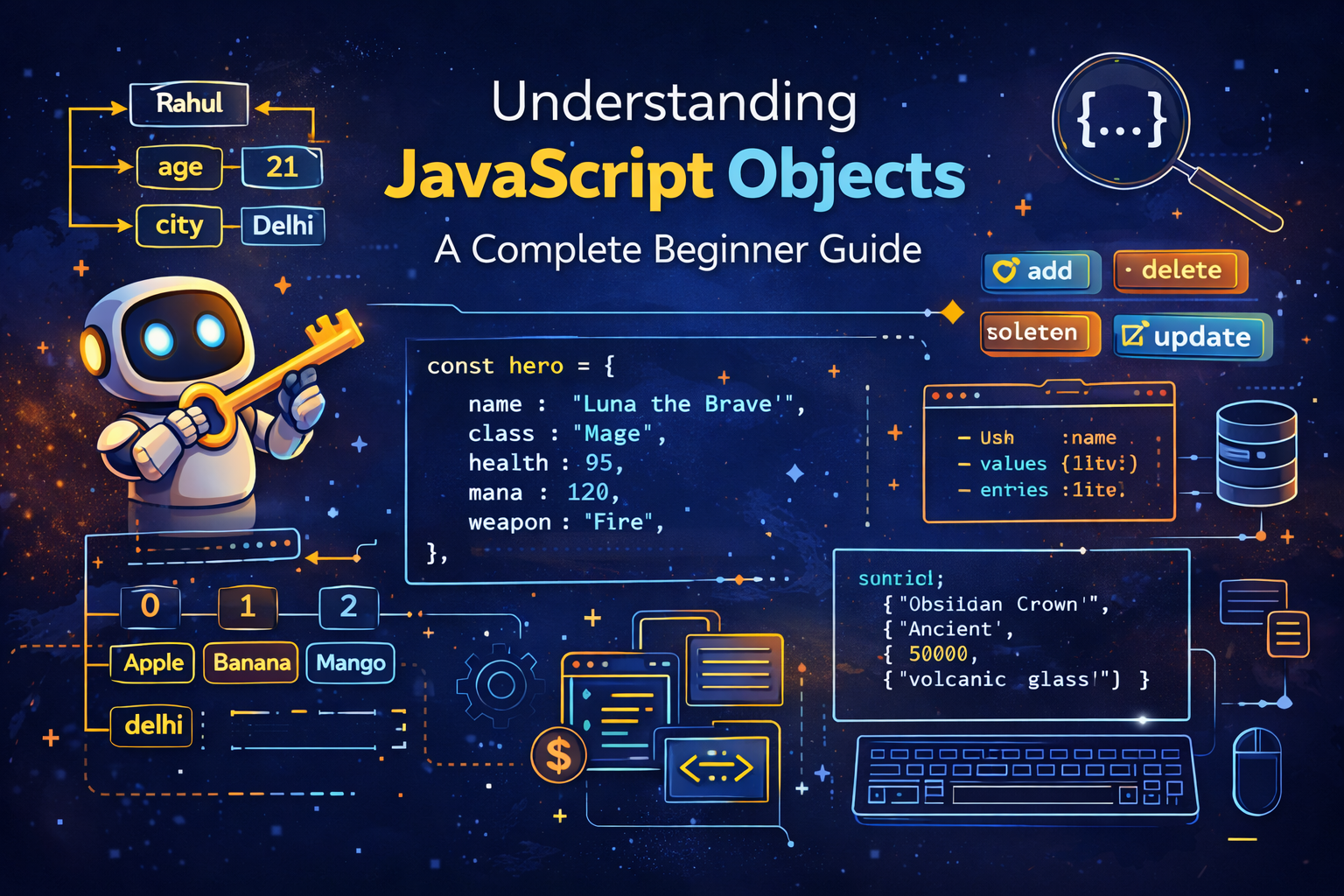
In JavaScript programming, we often deal with data that belongs together. For example, imagine describing a person. A person has a name, age, city, and profession. If we tried to store these values using separate variables, the program would quickly become messy and difficult to manage.
const name = "Rahul";
const age = 21;
const city = "Delhi";
Although this works, the relationship between these variables is not very clear. They belong to the same entity — a person. JavaScript solves this problem using objects.
An object allows us to group related information together inside a single structure. Objects store data in the form of key-value pairs, where each key describes a property and the value represents the data stored in that property.
Objects are used everywhere in modern JavaScript applications. APIs return objects, databases store objects, and frameworks like React rely heavily on objects. Understanding objects is therefore a fundamental step in learning JavaScript.
In this guide, we will explore what objects are, how they work, how to create them, how to access and modify their properties, and how to loop through them. Each example will also include output written beside the code so the behavior is easy to understand.
What Objects Are and Why They Are Needed
An object is a collection of properties where each property consists of a key and a value. The key represents the name of the property, and the value represents the data stored inside it.
Objects are useful when we need to represent something that has multiple characteristics. For example, a video game character might have a name, level, health, and mana. Instead of storing these values separately, we can store them inside one object.
Example:
const hero = {
  name: "Luna the Brave",
  class: "Mage",
  level: 12,
  health: 85,
  mana: 120,
  isAlive: true,
};
Here the object hero contains multiple properties describing a character. Each property follows the structure:
key : value
Visual representation:
hero
 ├── name → "Luna the Brave"
 ├── class → "Mage"
 ├── level → 12
 ├── health → 85
 ├── mana → 120
 └── isAlive → true
This structure makes data easier to organize and access.
Difference Between Array and Object
Both arrays and objects store collections of data, but they are designed for different purposes.
Arrays store values using numeric indexes, while objects store values using named keys.
Example of an array:
const fruits = ["Apple", "Banana", "Mango"];

console.log(fruits[0]); // Apple
Example of an object:
const person = {
  name: "Ravi",
  age: 22,
  city: "Mumbai",
};

console.log(person.name); // Ravi
Comparison diagram:
Array
Index → 0      1       2
Value → Apple Banana Mango

Object
Key   → name  age  city
Value → Ravi  22   Mumbai
Arrays are best when order matters, while objects are better when describing structured information.
Creating Objects in JavaScript
Objects are created using curly braces {}. Inside the braces we define properties separated by commas.
Example:
const student = {
  name: "Arjun",
  age: 20,
  course: "Computer Science",
};

console.log(student);
Output:
{ name: "Arjun", age: 20, course: "Computer Science" }
Each property contains a key and a value. Keys are usually strings, and values can be numbers, strings, booleans, arrays, or even other objects.
Objects allow us to represent complex data structures in a clean and organized way.
Accessing Object Properties
JavaScript provides two ways to access object properties.
Dot Notation
This is the most common and readable way.
console.log(hero.name); // Luna the Brave
console.log(hero.health); // 85
Dot notation works when the property name is known and valid as an identifier.
Bracket Notation
Bracket notation allows dynamic property access.
console.log(hero["class"]); // Mage
console.log(hero["mana"]); // 120
Bracket notation is useful when the property name is stored in a variable.
Example:
const property = "name";
console.log(hero[property]); // Luna the Brave
Updating Object Properties
Object properties can be updated simply by assigning a new value.
Example:
hero.health = 95;

console.log(hero.health); // 95
Here we changed the hero’s health value from 85 to 95.
Objects in JavaScript are mutable, meaning their properties can be modified even if the object was declared using const.
Adding and Deleting Properties
Objects can also be expanded by adding new properties.
Example:
hero.weapon = "Fire";

console.log(hero.weapon); // Fire
Now the hero object contains a new property called weapon.
Deleting properties is also possible using the delete keyword.
delete hero.level;

console.log(hero.level); // undefined
The level property is removed from the object.
Checking Property Existence
JavaScript provides the in operator to check whether a property exists in an object.
Example:
const ranger = {
  name: "Lakshya the swift",
  agility: 80,
  stealth: undefined,
};

console.log("name" in ranger); // true
console.log("stealth" in ranger); // true
console.log("toString" in ranger); // true
Even though stealth is undefined, the property still exists.
However, "toString" exists because it comes from JavaScript’s object prototype.
To check only the object's own properties, we use hasOwnProperty().
console.log(ranger.hasOwnProperty("toString")); // false
Getting Object Keys, Values, and Entries
JavaScript provides useful methods for working with object data.
Example object:
const artifact = {
  name: "Obsidian Crown",
  era: "Ancient",
  value: 50000,
  material: "volcanic glass",
};
Object.keys()
const keys = Object.keys(artifact);
console.log(keys);
// ["name","era","value","material"]
Object.values()
const values = Object.values(artifact);
console.log(values);
// ["Obsidian Crown","Ancient",50000,"volcanic glass"]
Object.entries()
const entries = Object.entries(artifact);
console.log(entries);
Output:
[
["name","Obsidian Crown"],
["era","Ancient"],
["value",50000],
["material","volcanic glass"]
]
Looping Through Object Keys and Values
Objects are often looped using Object.entries().
for (const [key, value] of Object.entries(artifact)) {
  console.log(`\({key}: \){value}`);
}
Output:
name: Obsidian Crown
era: Ancient
value: 50000
material: volcanic glass
Other loop types exist in JavaScript as well:
for()
while
do while
for...in
for...of
However, objects are usually iterated using for...in or Object.entries().
Converting Arrays to Objects
JavaScript can convert arrays into objects using Object.fromEntries().
Example:
const priceList = [
  ["Obsidian Crown", 50000],
  ["Ruby Pendant", 30000],
  ["Iron Shield", 5000],
];

const priceObject = Object.fromEntries(priceList);

console.log(priceObject);
Output:
{
"Obsidian Crown": 50000,
"Ruby Pendant": 30000,
"Iron Shield": 5000
}
Preventing Object Modification
JavaScript provides methods that control whether objects can be modified.
Object.freeze()
const displayCase = {
  artifact: "Obsidian",
  location: "Hall A, Case 3",
  locked: true,
};

Object.freeze(displayCase);

delete displayCase.locked;
displayCase.newProp = "test";

console.log(displayCase);
Output:
{ artifact: "Obsidian", location: "Hall A, Case 3", locked: true }
The object cannot be modified.
Object.seal()
const catalogEntry = {
  id: "ART-001",
  description: "Ancient Crown",
  verified: true,
};

Object.seal(catalogEntry);
This prevents adding or deleting properties but allows updating existing ones.
Defining Custom Property Rules
JavaScript also allows detailed control over properties.
const secureArtificats = { name: "Ruby Pendant" };

Object.defineProperty(secureArtificats, "catelogId", {
  value: "SEC-999",
  writable: false,
  enumerable: false,
  configurable: false,
});
Now:
console.log(secureArtificats.catelogId); // SEC-999

secureArtificats.catelogId = "HACKED";

console.log(secureArtificats.catelogId); // SEC-999
The property cannot be modified.
Getting Property Descriptors
JavaScript allows inspecting how a property behaves.
const desc = Object.getOwnPropertyDescriptor(secureArtificats, "name");

console.log(desc);
Output example:
{
 value: "Ruby Pendant",
 writable: true,
 enumerable: true,
 configurable: true
}
This reveals how the property is defined internally.
Conclusion
Objects are one of the most powerful data structures in JavaScript. They allow developers to represent real-world entities using structured data in the form of key-value pairs. By learning how to create objects, access properties, update values, add or remove properties, and loop through keys and values, developers gain the ability to model complex data effectively.
Modern JavaScript applications rely heavily on objects for storing configuration, managing application state, representing API responses, and organizing program logic. Mastering objects is therefore essential for writing clean, structured, and scalable JavaScript code.