Understanding JavaScript Arrow Functions — A Beginner-Friendly Guide with Examples and Output
JavaScript has evolved a lot over the years. Earlier, developers wrote functions using the traditional function keyword. While that approach still works perfectly, modern JavaScript introduced a shorter and cleaner way to write functions called arrow functions. Arrow functions were introduced in ES6 and are now widely used in modern JavaScript code because they reduce unnecessary syntax and make code easier to read.
Before arrow functions existed, writing even simple functions required a lot of boilerplate code. Developers had to repeatedly type the function keyword, curly braces, and the return statement. Arrow functions simplify this process by allowing developers to write functions in a more concise and expressive way. They are especially useful for short operations such as mathematical calculations, transforming arrays, or handling callbacks.
In this article we will explore arrow functions step by step. We will understand what arrow functions are, how their syntax works, how they behave with different numbers of parameters, and the difference between implicit and explicit return. We will also compare arrow functions with traditional functions and see how they are used in modern JavaScript code. Every code example will include the actual output written beside it as comments so you can easily understand what the program produces.
What Arrow Functions Are
An arrow function is a shorter syntax for writing functions in JavaScript. It allows developers to define a function using the arrow symbol =>. Instead of writing the function keyword and multiple lines of syntax, arrow functions make the code compact and easier to read.
Arrow functions are often used for simple operations such as mathematical calculations, formatting data, or performing small transformations. They are also commonly used inside array methods like map, filter, and reduce.
Let us first look at a normal function that adds two numbers.
function add(a, b) {
  return a + b;
}

console.log(add(3, 4)); // 7
Now the same function written using an arrow function:
const add = (a, b) => {
  return a + b;
};

console.log(add(3, 4)); // 7
Both functions produce the same result. The arrow function simply uses a shorter syntax. The arrow => separates the parameters from the function body. This makes the code more readable, especially when writing many small functions in a program.
Arrow functions are very popular in modern JavaScript frameworks such as React and Node.js because they allow developers to write concise code without losing clarity.
Basic Arrow Function Syntax
The basic syntax of an arrow function looks like this:
const functionName = (parameters) => {
  // function body
};
Let’s examine a simple example where we calculate the square of a number.
Normal function:
function square(num) {
  return num * num;
}

console.log(square(5)); // 25
Arrow function version:
const square = (num) => {
  return num * num;
};

console.log(square(5)); // 25
Explanation:
squareis the function name.(num)represents the parameter.=>separates the parameters and the function body.{ return num * num; }is the body of the function.
Although the syntax looks slightly different, the logic remains the same. The arrow function performs the same operation but uses modern JavaScript syntax. This syntax becomes extremely useful when functions are used inside other functions or passed as arguments.
Arrow Functions with One Parameter
When an arrow function has only one parameter, the parentheses around the parameter are optional. This makes the syntax even shorter.
Example using a normal function:
function greet(name) {
  return "Hello " + name;
}

console.log(greet("Ravi")); // Hello Ravi
Arrow function version:
const greet = name => {
  return "Hello " + name;
};

console.log(greet("Ravi")); // Hello Ravi
Explanation:
Since the function has only one parameter (name), we can remove the parentheses. This makes the function easier to read and write.
Another example:
const double = num => {
  return num * 2;
};

console.log(double(6)); // 12
Here the arrow function receives one parameter and returns its double value. Arrow functions like this are commonly used for simple calculations and data transformations.
Arrow Functions with Multiple Parameters
If an arrow function has multiple parameters, parentheses are required.
Example:
const multiply = (a, b) => {
  return a * b;
};

console.log(multiply(4, 5)); // 20
Explanation:
(a, b)contains two parameters.The function multiplies the values and returns the result.
Another example:
const introduce = (name, age) => {
  return "My name is " + name + " and I am " + age + " years old";
};

console.log(introduce("Veer", 21)); // My name is Veer and I am 21 years old
When multiple parameters exist, parentheses help clearly separate them. This keeps the syntax consistent and easy to understand.
Explicit Return vs Implicit Return
Arrow functions can return values in two different ways: explicit return and implicit return.
Explicit Return
Explicit return means we write the return keyword manually.
Example:
const addNumbers = (a, b) => {
  return a + b;
};

console.log(addNumbers(3, 6)); // 9
Here the function body uses curly braces {} and explicitly returns a value.
Implicit Return
If the function body contains only one expression, we can remove the curly braces and the return keyword.
Example:
const addNumbers = (a, b) => a + b;

console.log(addNumbers(3, 6)); // 9
This is called implicit return. JavaScript automatically returns the result of the expression.
Another example:
const square = num => num * num;

console.log(square(7)); // 49
Implicit return makes arrow functions extremely concise and readable. This style is commonly used in modern JavaScript code when performing simple operations.
Basic Difference Between Arrow Functions and Normal Functions
Although arrow functions look similar to normal functions, they have some differences. The most noticeable difference for beginners is syntax and readability.
Traditional functions use the function keyword and often require more lines of code. Arrow functions remove this boilerplate and make functions shorter.
Example comparison:
Normal function:
function subtract(a, b) {
  return a - b;
}

console.log(subtract(10, 4)); // 6
Arrow function:
const subtract = (a, b) => a - b;

console.log(subtract(10, 4)); // 6
The arrow function performs the same operation but uses much less code.
Another important difference (which beginners do not need to worry about deeply yet) is how arrow functions handle the this keyword. Arrow functions do not create their own this context. Instead, they inherit it from the surrounding scope. For beginners, the most important takeaway is that arrow functions provide a cleaner and more modern way to write functions.
Using Arrow Functions with Arrays
Arrow functions are extremely useful when working with arrays. They are commonly used with methods like map() to transform array values.
Example:
const numbers = [1, 2, 3, 4];

const squares = numbers.map(num => num * num);

console.log(squares); // [1, 4, 9, 16]
Explanation:
map()loops through each element in the array.The arrow function calculates the square of each number.
A new array containing squared values is returned.
Another example:
const numbers = [2, 4, 6, 8];

const doubled = numbers.map(num => num * 2);

console.log(doubled); // [4, 8, 12, 16]
Arrow functions make these transformations simple and readable.
Checking Even or Odd Using Arrow Functions
We can also use arrow functions to perform logical checks.
Example:
const isEven = num => num % 2 === 0;

console.log(isEven(4)); // true
console.log(isEven(7)); // false
Explanation:
%is the modulus operator.num % 2 === 0checks whether a number is divisible by 2.
This arrow function returns true for even numbers and false for odd numbers.
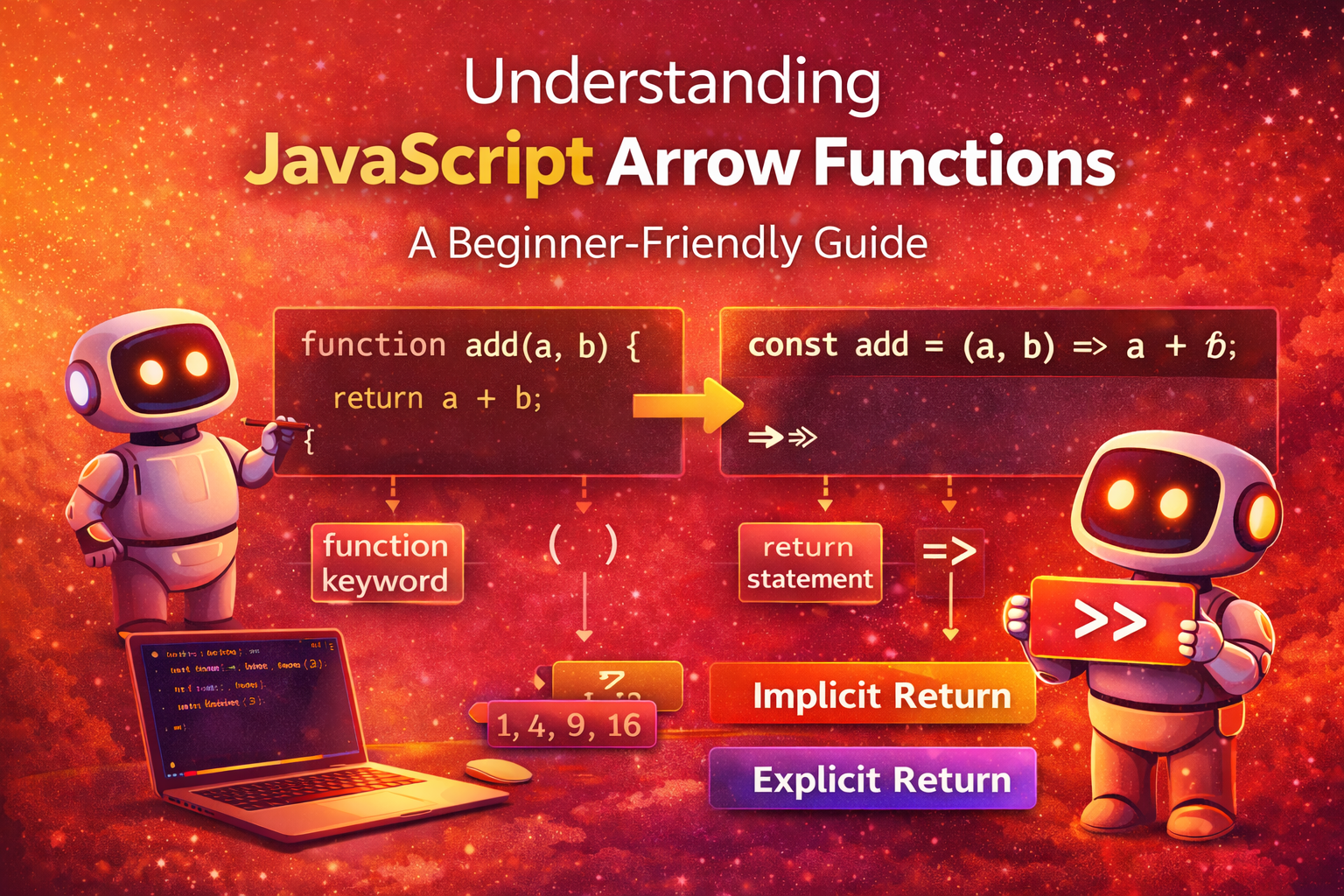
Visualizing Arrow Function Transformation
Normal function:
function add(a, b) {
  return a + b;
}
Arrow function:
const add = (a, b) => a + b;
Transformation flow:
function keyword → removed
parameters → remain inside ()
return statement → optional
=> arrow symbol separates parameters and body
Conclusion
Arrow functions are one of the most useful features introduced in modern JavaScript. They provide a cleaner and shorter way to write functions without unnecessary syntax. By removing the function keyword and simplifying return statements, arrow functions allow developers to write concise and readable code.
Understanding arrow functions is essential because they are used heavily in modern JavaScript development, especially in frameworks and libraries. They are commonly used for small utility functions, callbacks, and array transformations. By mastering arrow functions, developers can write more elegant and maintainable code while following modern JavaScript practices.