Understanding JavaScript Arrays
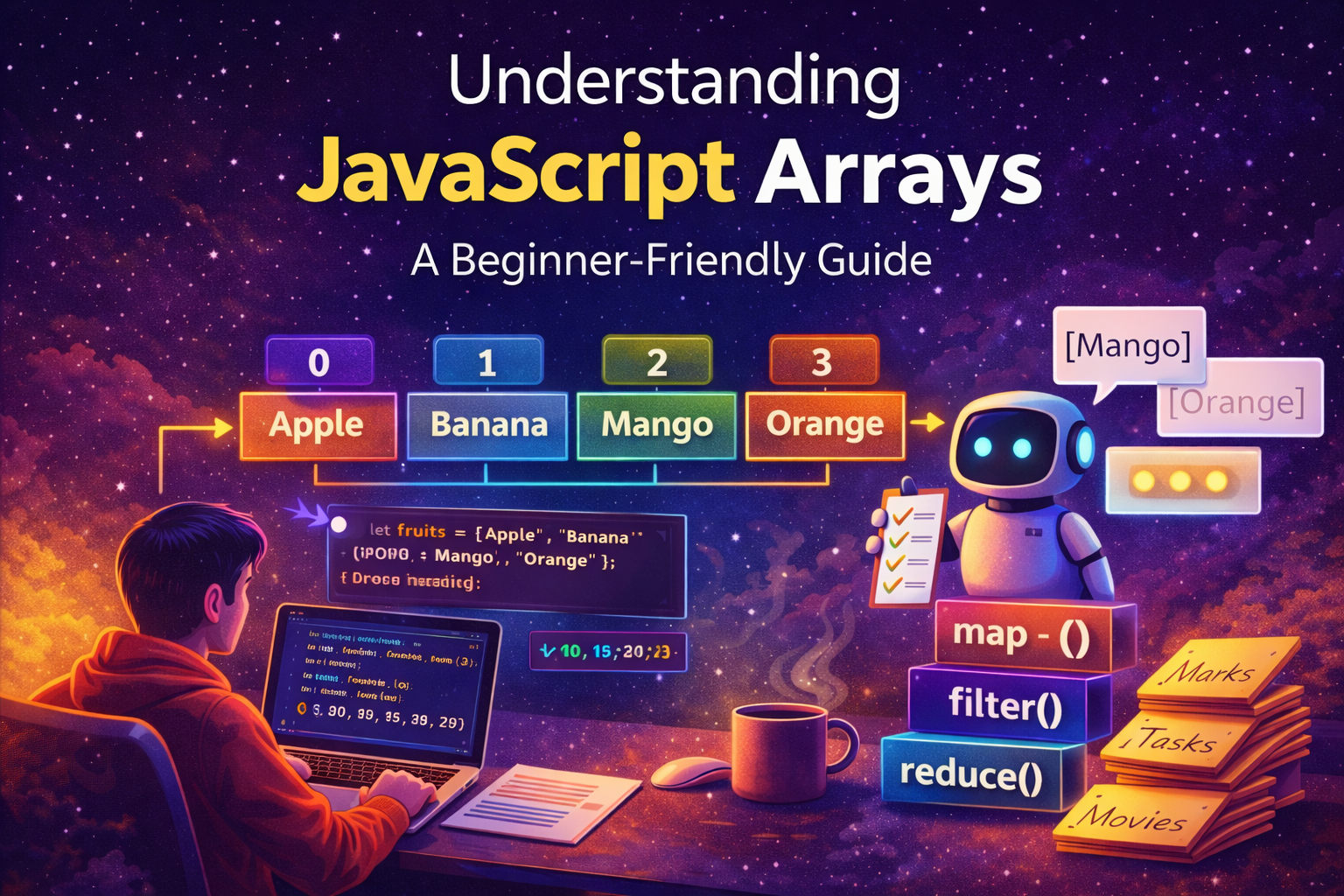
When people start learning JavaScript, they usually begin with variables. A variable can store a single value such as a name, number, or message. But in real applications we often need to store many related values together.
For example:
A list of fruits
A list of student marks
A list of tasks for a day
A list of movies you like
Orders in a restaurant
If we tried storing these individually, the code would become messy very quickly.
Example without arrays:
const fruit1 = "Apple";
const fruit2 = "Banana";
const fruit3 = "Mango";
const fruit4 = "Orange";
const fruit5 = "Grapes";

console.log(fruit1);
console.log(fruit2);
console.log(fruit3);
console.log(fruit4);
console.log(fruit5);
This approach works, but imagine storing 100 fruits this way.
That is where arrays solve the problem.
Arrays allow us to store multiple values in a single variable in an ordered collection.
What Arrays Are and Why We Need Them
An array is a data structure that stores multiple values in a single container. Each value inside an array is called an element, and each element has a specific index position.
Think of an array like a row of labeled boxes. Each box contains a value and each box has a number.
Example:
const fruits = ["Apple", "Banana", "Mango", "Orange"];
console.log(fruits);
Output:
["Apple", "Banana", "Mango", "Orange"]
Visual representation:
Index →    0        1        2        3
Value → ["Apple", "Banana", "Mango", "Orange"]
Important rule:
Array indexing starts from 0, not 1.
This means the first element is stored at position 0.
Arrays are extremely useful because they allow programs to handle collections of data efficiently.
For example:
An online store stores a list of products
A messaging app stores a list of messages
A game stores a list of player scores
Without arrays, managing this data would be very difficult.
How to Create an Array
The most common way to create an array in JavaScript is using square brackets [].
Example:
const fruits = ["Apple", "Banana", "Mango"];
console.log(fruits);
Output:
["Apple", "Banana", "Mango"]
You can also create an empty array:
const tasks = [];
console.log(tasks);
Output:
[]
Later you can add items into the array.
Arrays can store many types of values:
const mixed = ["Laptop", 1200, true];
console.log(mixed);
Output:
["Laptop", 1200, true]
However, in most applications arrays usually store similar types of data, such as numbers, names, or objects.
Accessing Elements Using Index
To retrieve an element from an array, we use its index number.
Example:
const fruits = ["Apple", "Banana", "Mango", "Orange"];

console.log(fruits[0]);
Output:
Apple
Another example:
console.log(fruits[2]);
Output:
Mango
Remember:
fruits[0] → first element
fruits[1] → second element
fruits[2] → third element
Trying to access an index that doesn't exist returns undefined.
Example:
console.log(fruits[10]);
Output:
undefined
Updating Elements in an Array
Array values can be updated easily using their index.
Example:
const fruits = ["Apple", "Banana", "Mango"];

fruits[1] = "Pineapple";

console.log(fruits);
Output:
["Apple", "Pineapple", "Mango"]
Here we replaced "Banana" with "Pineapple".
Arrays are mutable, which means their elements can be changed.
The Array Length Property
Every array has a length property that tells how many elements it contains.
Example:
const fruits = ["Apple", "Banana", "Mango", "Orange"];

console.log(fruits.length);
Output:
4
This property is extremely useful when looping through arrays.
You can also use it to access the last element of an array.
Example:
console.log(fruits[fruits.length - 1]);
Output:
Orange
Explanation:
fruits.length = 4
fruits[4 - 1] = fruits[3]
Which gives the last element.
Basic Looping Over Arrays
When working with arrays, we often need to process every element. The simplest way to do this is using a for loop.
Example:
const fruits = ["Apple", "Banana", "Mango"];

for (let i = 0; i < fruits.length; i++) {
  console.log(fruits[i]);
}
Output:
Apple
Banana
Mango
Step by step:
istarts at0The loop runs until
i < fruits.lengthEach iteration prints one element
This technique is used widely in programming.
Real-Life Example: Restaurant Orders
Arrays become more powerful when they store objects. Objects allow us to group related information together.
Example: a restaurant order system.
const orders = [
  { dish: "Pasta Carbonara", price: 14, spicy: false, qty: 2 },
  { dish: "Dragon Ramen", price: 12, spicy: true, qty: 1 },
  { dish: "Caesar Salad", price: 9, spicy: false, qty: 3 },
  { dish: "Inferno Wings", price: 11, spicy: true, qty: 2 },
  { dish: "Truffle Risotto", price: 18, spicy: false, qty: 1 },
];
Each element in the array is an object describing a dish.
We can loop through the orders.
orders.forEach((order, index) => {
  console.log(`#\({index + 1} : \){order.qty}x ${order.dish}`);
});
Output:
#1 : 2x Pasta Carbonara
#2 : 1x Dragon Ramen
#3 : 3x Caesar Salad
#4 : 2x Inferno Wings
#5 : 1x Truffle Risotto
Transforming Data with map()
Sometimes we want to transform an array into another format.
Example: generating receipt lines.
const receiptLines = orders.map((o) => `${o.dish}: $${o.price * o.qty}`);
console.log(receiptLines);
Output:
[
"Pasta Carbonara: $28",
"Dragon Ramen: $12",
"Caesar Salad: $27",
"Inferno Wings: $22",
"Truffle Risotto: $18"
]
The map() method creates a new array based on the original one.
Filtering Arrays with filter()
If we want only spicy dishes:
const spicyOrders = orders.filter((o) => o.spicy);
console.log(spicyOrders);
Output:
[
{ dish: "Dragon Ramen", price: 12, spicy: true, qty: 1 },
{ dish: "Inferno Wings", price: 11, spicy: true, qty: 2 }
]
filter() returns elements that match a condition.
Calculating Values with reduce()
We can calculate the total revenue from all orders.
const totalRevenue = orders.reduce((sum, order) => {
  return sum + order.qty * order.price;
}, 0);

console.log(totalRevenue);
Output:
107
This works by accumulating values step by step.
Grouping Data with reduce()
We can also group dishes by spice level.
const grouped = orders.reduce(
  (acc, order) => {
    const category = order.spicy ? "spicy" : "mild";
    acc[category].push(order.dish);
    return acc;
  },
  { spicy: [], mild: [] },
);

console.log(grouped);
Output:
{
 spicy: ["Dragon Ramen", "Inferno Wings"],
 mild: ["Pasta Carbonara", "Caesar Salad", "Truffle Risotto"]
}
Sorting Arrays
We can sort numbers easily.
const ticketNumbers = [100, 25, 3, 42, 8];

const sortedW = [...ticketNumbers].sort((a, b) => a - b);

console.log(sortedW);
Output:
[3, 8, 25, 42, 100]
The spread operator ... is used to avoid modifying the original array.
Combining Multiple Array Operations
Sometimes multiple operations are used together.
Example: create a report of mild dishes.
const kitchenOrders = [
  { dish: "Pasta Carbonara", price: 14, spicy: false, qty: 2 },
  { dish: "Dragon Ramen", price: 12, spicy: true, qty: 1 },
  { dish: "Caesar Salad", price: 9, spicy: false, qty: 3 },
  { dish: "Inferno Wings", price: 11, spicy: true, qty: 2 },
  { dish: "Truffle Risotto", price: 18, spicy: false, qty: 1 },
  { dish: "Ghost Pepper Soup", price: 15, spicy: true, qty: 1 },
];

const mildReport = kitchenOrders
  .filter((order) => !order.spicy)
  .map((order) => ({
    dish: order.dish,
    total: order.price * order.qty,
  }))
  .toSorted();

console.log(mildReport);
Output:
[
{ dish: "Caesar Salad", total: 27 },
{ dish: "Pasta Carbonara", total: 28 },
{ dish: "Truffle Risotto", total: 18 }
]
Visualizing Array Storage
Arrays can be imagined like blocks in memory.
Index →   0        1        2        3
Memory → ["Apple","Banana","Mango","Orange"]
Each position stores one value.
Conclusion
Arrays are one of the most important tools in JavaScript. They allow us to store and organize collections of data efficiently. By understanding how arrays work—how to create them, access elements, update values, check their length, and loop through them—we build the foundation needed for more advanced programming.
As applications grow more complex, arrays become even more powerful when combined with methods like map, filter, reduce, and sort. These tools allow developers to transform, analyze, and organize data in flexible ways.
Mastering arrays is an essential step toward becoming comfortable with JavaScript and building real-world applications.