Getting Started with Express.js
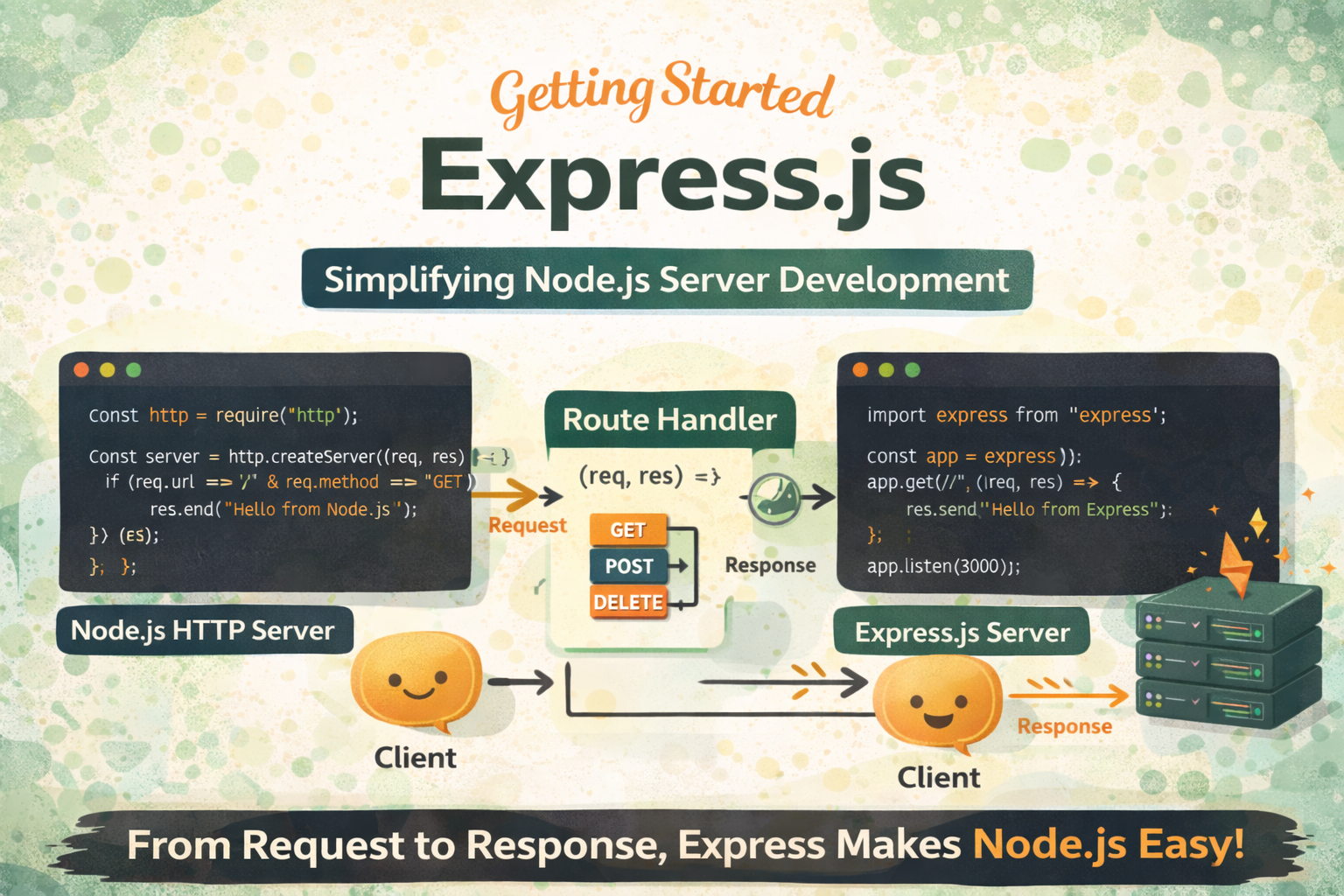
A Complete Guide to Servers, Routing, and Handling Requests in Node.js
Introduction
When developers first start working with Node.js, they often use the built-in http module to create servers. While powerful, it quickly becomes complex and repetitive for real-world applications. Handling routes, parsing requests, and sending responses manually can make code hard to manage.
This is where Express.js comes in.
Express.js is a lightweight framework built on top of Node.js that simplifies server development. It provides a clean and structured way to handle routes, requests, and responses, making backend development faster and more efficient.
What Express.js Is
Express.js is a web framework for Node.js that helps you build servers and APIs easily.
Key Idea
Instead of writing low-level code using the Node.js http module, Express provides higher-level abstractions that make development simpler.
What Express Provides
Easy routing system
Middleware support
Simplified request and response handling
Cleaner and more readable code
Example
import express from "express";

const app = express();

app.get("/", (req, res) => {
  res.send("Hello from Express");
});

app.listen(3000);
With just a few lines, you have a working server.
Why Express Simplifies Node.js Development
Using raw Node.js can quickly become complicated, especially as your application grows.
Raw Node.js Example
import http from "http";

const server = http.createServer((req, res) => {
  if (req.url === "/" && req.method === "GET") {
    res.end("Home Page");
  }
});

server.listen(3000);
Problems with Raw Node.js
Manual routing logic
Hard to scale
Repetitive code
Difficult to maintain
Express Solution
app.get("/", (req, res) => {
  res.send("Home Page");
});
Benefits
Cleaner syntax
Built-in routing
Easy scalability
Better code organization
Express abstracts away low-level details so you can focus on building features.
Creating Your First Express Server
Setting up an Express server is simple.
Step 1: Install Express
npm install express
Step 2: Create Server
import express from "express";

const app = express();

app.listen(3000, () => {
  console.log("Server running on port 3000");
});
What Happens
Express creates an application instance
app.listen()starts the serverServer listens for incoming requests
Handling GET Requests
GET requests are used to retrieve data from the server.
Example
app.get("/users", (req, res) => {
  res.send("List of users");
});
Explanation
/usersis the routeapp.get()handles GET requestsreqcontains request dataresis used to send response
Use Cases
Fetching user data
Retrieving products
Loading pages
Handling POST Requests
POST requests are used to send data to the server.
Example
app.use(express.json());

app.post("/users", (req, res) => {
  const user = req.body;
  res.send(`User ${user.name} created`);
});
Explanation
express.json()parses JSON bodyreq.bodycontains client dataServer processes and responds
Use Cases
Creating new users
Submitting forms
Sending data to server
Sending Responses
Express provides multiple ways to send responses.
1. Sending Text
res.send("Hello World");
2. Sending JSON
res.json({ message: "Success" });
3. Sending Status Codes
res.status(200).send("OK");
Why This Matters
Clear communication with client
Structured responses
Better API design
Routing Concept in Express
Routing is how the server decides what to do when a request is received.
Basic Idea
Each route consists of:
HTTP method
URL path
Handler function
Example
app.get("/", (req, res) => {
  res.send("Home");
});

app.get("/about", (req, res) => {
  res.send("About Page");
});
How It Works
Request comes to server
Express matches route
Corresponding handler executes
Request → Route Handler → Response Flow
Client → Request → Express Router → Route Handler → Response → Client
Express Routing Structure Visualization
app
 ├── GET /users
 ├── POST /users
 ├── GET /products
 └── DELETE /users/:id
Each route handles a specific operation.
Real-World Example
app.get("/users", (req, res) => {
  res.json([{ id: 1, name: "John" }]);
});

app.post("/users", (req, res) => {
  res.status(201).json({ message: "User created" });
});
This is how real APIs are built using Express.
Key Takeaways
Express is a framework built on Node.js
Simplifies server and API development
Provides clean routing system
Handles requests and responses easily
Essential for backend development
Conclusion
Express.js makes backend development in Node.js simple, structured, and scalable. By abstracting low-level details, it allows developers to focus on building features instead of handling boilerplate code.
Understanding Express is a crucial step in becoming a full-stack developer. Once you master it, you can build APIs, integrate databases, and create production-ready applications efficiently.
The next step is to combine Express with middleware, authentication, and databases to build complete backend systems.