Callback Functions JS
Introduction
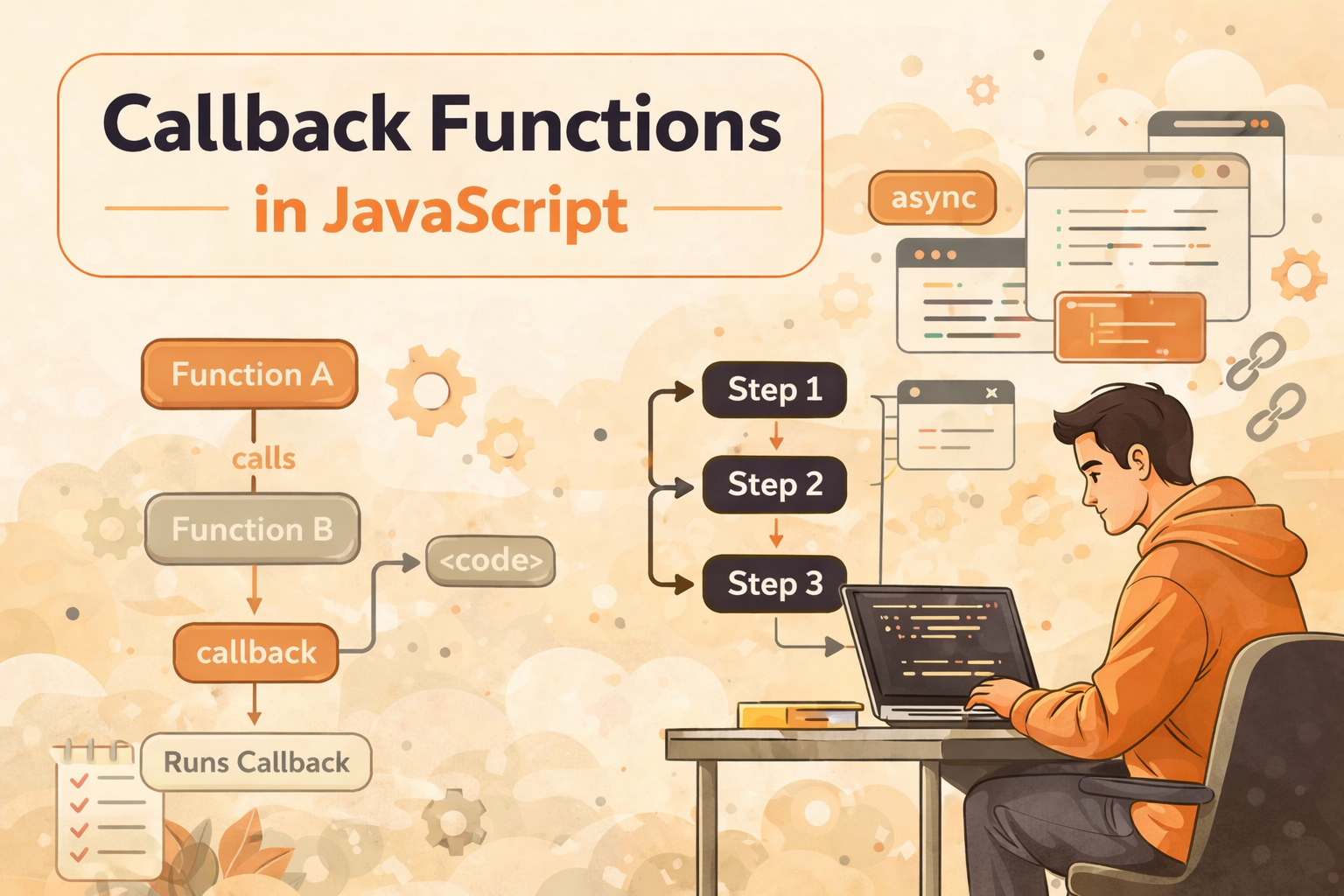
Callback functions are one of the most important concepts in JavaScript, especially when dealing with asynchronous operations. Since JavaScript is single-threaded, it cannot pause execution for long-running tasks like API calls or timers. Instead, it uses callbacks to execute code after a task is completed. This allows JavaScript to remain non-blocking while still performing multiple operations efficiently. Understanding callbacks is essential because they form the foundation of modern concepts like promises and async/await.
What is a Callback Function
A callback function is a function that is passed as an argument to another function and is executed later. This allows one function to control when another function runs.
Example
function greet(name, callback) {
  console.log("Hello " + name);
  callback();
}

function sayBye() {
  console.log("Goodbye!");
}

greet("Bharat", sayBye);
In this example, sayBye is passed as a callback and executed after the greeting. This shows how functions can be used dynamically inside other functions.
Functions as Values in JavaScript
In JavaScript, functions behave like values. This means they can be stored in variables, passed as arguments, and executed when needed. This is what makes callbacks possible.
Example
const fn = function () {
  console.log("I am a function");
};

fn();
You can also pass functions directly:
function execute(callback) {
  callback();
}

execute(() => console.log("Callback executed"));
This flexibility allows developers to write more reusable and dynamic code.
Why Callbacks Are Used in Asynchronous Programming
Callbacks are mainly used to handle asynchronous operations. They allow JavaScript to continue executing other code while waiting for a task to complete.
Example (Timer)
console.log("Start");

setTimeout(() => {
  console.log("Inside callback");
}, 2000);

console.log("End");
Output
Start
End
Inside callback
Here, JavaScript does not wait for 2 seconds. Instead, it continues execution and runs the callback later. This is the essence of asynchronous programming.
Passing Functions as Arguments
Callbacks work because functions can be passed as arguments. This allows one function to define what should happen after its execution.
Example
function processData(data, callback) {
  console.log("Processing:", data);
  callback(data);
}

function displayData(data) {
  console.log("Displaying:", data);
}

processData("User Data", displayData);
In this example, displayData is executed after processing is complete. This pattern is very common in real-world applications.
Callback Usage in Common Scenarios
Callbacks are used in many everyday scenarios in JavaScript, especially when dealing with events or delayed execution.
Example (Event Handling)
document.addEventListener("click", () => {
  console.log("Button clicked");
});
Example (Simulated API Call)
function fetchData(callback) {
  setTimeout(() => {
    callback("Data received");
  }, 1000);
}

fetchData(data => console.log(data));
These examples show how callbacks are used to handle real-world asynchronous tasks.
The Problem of Callback Nesting
When multiple asynchronous operations depend on each other, callbacks can become nested. This leads to a structure that is hard to read and maintain.
Example (Callback Hell)
setTimeout(() => {
  console.log("Step 1");

  setTimeout(() => {
    console.log("Step 2");

    setTimeout(() => {
      console.log("Step 3");
    }, 1000);

  }, 1000);

}, 1000);
This creates a pyramid-like structure, making the code difficult to understand and debug.
Conceptual Understanding of Callback Problems
The main issue with callbacks is not their functionality but their readability when deeply nested. As the number of dependent operations increases, the code becomes more complex. Error handling also becomes harder because each level may need its own handling logic. This problem led to the introduction of promises and async/await, which provide cleaner ways to manage asynchronous code.
Function Calling Flow
The execution flow of callbacks is simple. One function calls another and passes a callback. After completing its task, the main function executes the callback.
Example
function first(callback) {
  console.log("First function");
  callback();
}

function second() {
  console.log("Second function");
}

first(second);
Flow
first() → executes → second()
Nested Callback Execution Flow
In nested callbacks, execution happens step by step, where each step waits for the previous one to complete.
Example
setTimeout(() => {
  console.log("Step 1");

  setTimeout(() => {
    console.log("Step 2");
  }, 1000);

}, 1000);
Flow
Step 1 → Step 2 (after delay)
This sequential dependency is what causes complexity in nested callbacks.
Conclusion
Callback functions are a core concept in JavaScript that enable asynchronous programming and flexible execution of code. By allowing functions to be passed as arguments, callbacks make it possible to execute code after a task is completed. While they are powerful, excessive nesting can lead to readability issues known as callback hell. Understanding callbacks is essential because they form the foundation for more advanced concepts like promises and async/await. Mastering this concept will help you write efficient and scalable JavaScript code.